C1
Focused platformContellect One
Compare Contellect One and SharePoint in Microsoft 365 for document management, AI, search, workflow automation, governance, collaboration, and migration.
Competitor information reviewed September 1, 2026
The short answer
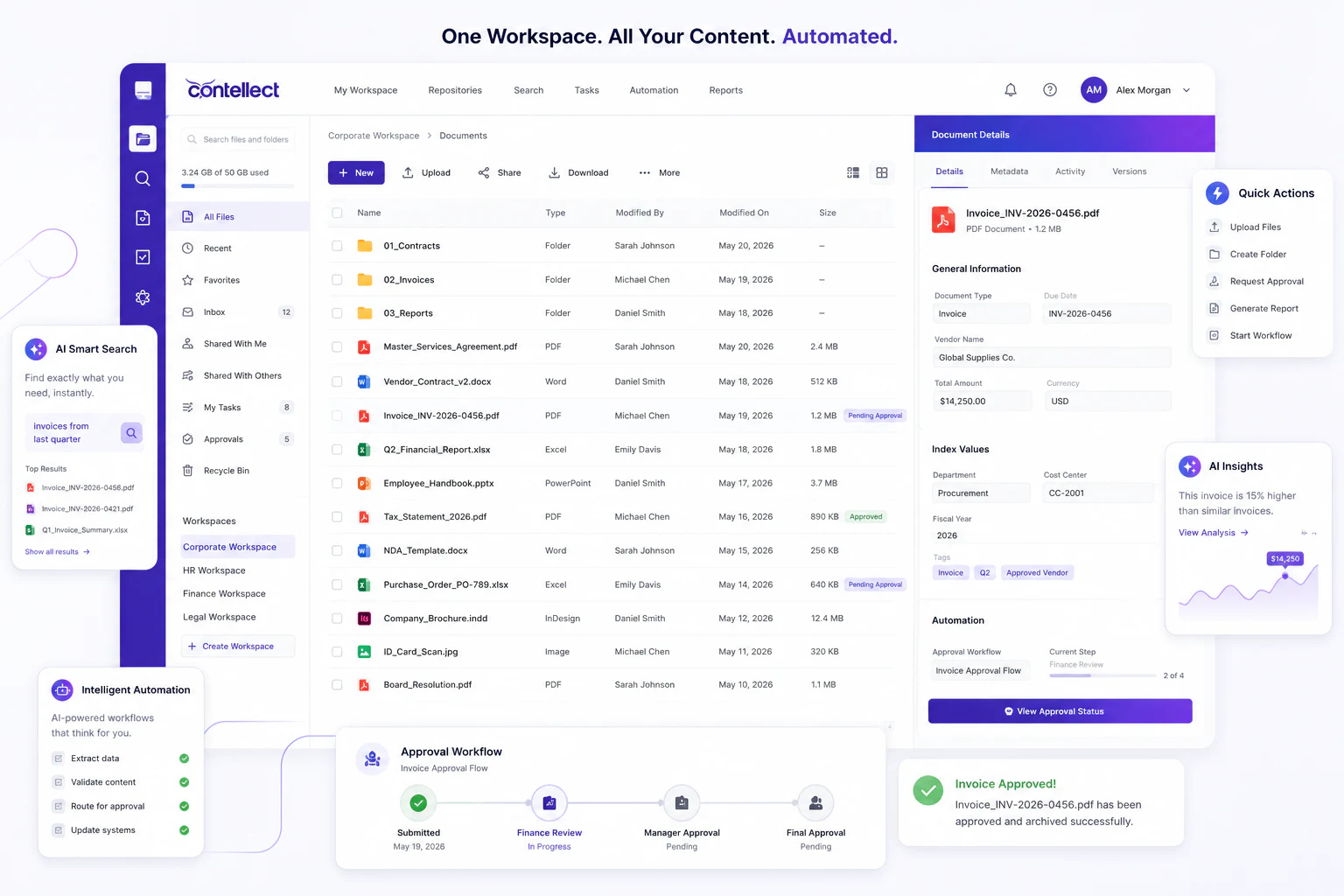
Contellect One is a focused content operations platform connecting document management, AI, extraction, governed search, and workflow automation. SharePoint is a Microsoft 365 platform for sites, pages, lists, libraries, publishing, and collaboration.
The difference affects information architecture, user navigation, governance ownership, automation design, licensing, and how many Microsoft 365 services form the final solution.
At a glance
Start with the clearest differences in platform scope, AI, automation, and implementation.
Document-heavy content operations, AI, IDP, search, and workflows.
Microsoft 365 sites, publishing, libraries, lists, and collaboration.
One focused workspace for documents, intelligence, tasks, and action.
Experiences span SharePoint, Teams, OneDrive, Power Automate, Copilot, and Purview.
Classification, extraction, permission-aware search, insights, and AI workflows.
Microsoft 365 Copilot and SharePoint agents work with permitted Microsoft 365 content.
Document validation, routing, approvals, exceptions, and integrations.
Power Automate triggers, actions, approvals, templates, and connectors.
Permissions, metadata, auditability, and lifecycle controls in the content platform.
SharePoint controls plus Microsoft Purview capabilities and licensing where required.
The icons distinguish the two columns. They do not indicate that one capability is universally good or bad.
Best-fit guidance
Choose Contellect One when
SharePoint may fit when
Decision framework
Identify the repositories, AI capabilities, workflows, records controls, and integrations required on day one.
Test citations, permission enforcement, model controls, confidence handling, auditability, and human review.
Confirm whether each connection is read-only, bidirectional, event-driven, workflow-aware, and supported.
Validate classification, retention, legal hold, permissions, audit history, and disposition requirements.
Define who configures, tests, operates, upgrades, and supports every required platform component.
Reconcile content, versions, metadata, permissions, links, audit history, and retention state.
Migration methodology
A phased migration keeps business continuity, security, validation, and legacy retirement visible from the first assessment through final acceptance.
Discuss your migrationInventory repositories, content, versions, metadata, permissions, policies, integrations, and customizations.
Define target document types, relationships, security, retention, workflow states, and transformation rules.
Use representative content, including restricted records, old formats, large files, and difficult exceptions.
Reconcile counts and checksums, test search and access, confirm policies, and record business acceptance.
Move in controlled waves with clear cutover, coexistence, exception handling, and rollback plans.
Decommission legacy services only after operational, recovery, audit, and retention obligations are met.
Proof of concept
Use representative documents, permissions, integrations, workflows, and acceptance criteria. Score the configured result, not the generic product tour.
Select two or three document-heavy processes.
Include difficult scans, restricted records, and exceptions.
Test extraction, search, citations, permissions, and routing.
Measure user steps, accuracy, configuration, and administration.
Review production architecture, responsibilities, timeline, and scope.
Transparent sourcing
Competitor information was reviewed on September 1, 2026. Products and packaging can change, so confirm current requirements, licensing, availability, and implementation scope directly with each vendor.
SharePoint and its product names are trademarks of their respective owner. They are used only to identify the products discussed. Contellect is not affiliated with or endorsed by SharePoint.