Document Understanding
Detect document categories, layouts, topics, entities, and business meaning.
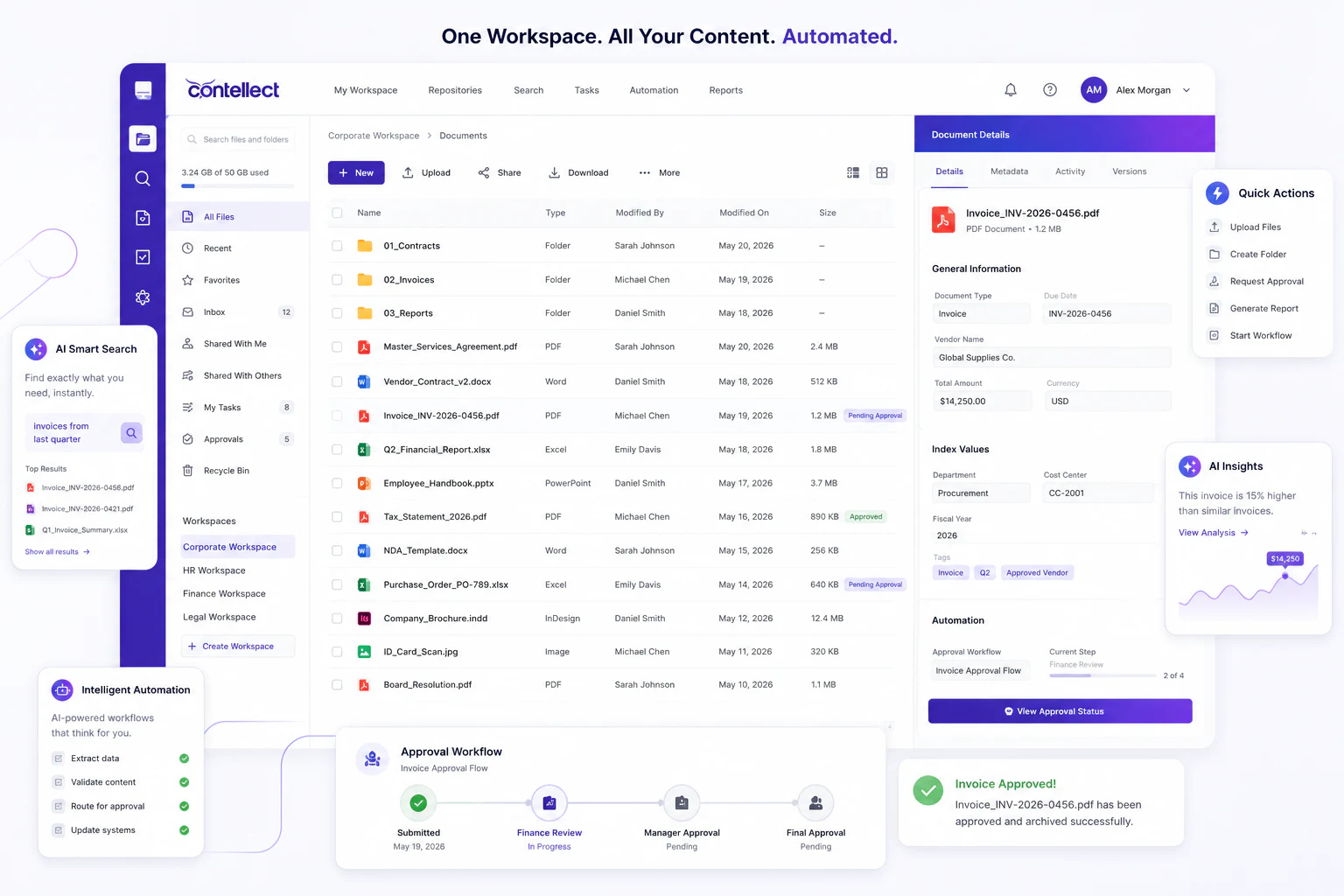
Use AI to classify documents, extract fields, validate data, route exceptions, and prepare enterprise content for automation with Contellect One.
Intelligent Document Processing, or IDP, uses AI, OCR, machine learning, and workflow rules to classify documents, extract data, validate information, and route exceptions. Contellect One turns PDFs, scans, forms, emails, contracts, invoices, records, and reports into structured, searchable, automation-ready information.
IDP sits between unstructured content and business action, preparing documents for search, workflows, analytics, and enterprise systems.
Detect document categories, layouts, topics, entities, and business meaning.
Capture fields from forms, invoices, claims, contracts, IDs, statements, and scanned files.
Route low-confidence values, missing documents, duplicates, and policy exceptions to reviewers.
Send validated data into workflows, generated documents, repositories, dashboards, and integrations.
Contellect One applies IDP as a controlled pipeline from capture through workflow-ready output.
Capture PDFs, scans, emails, forms, images, office files, archives, and repository documents.
Apply OCR, layout analysis, language detection, and content parsing.
Identify document type, business context, record category, sensitivity, and routing needs.
Pull key fields, tables, clauses, entities, signatures, and metadata.
Check confidence, completeness, business rules, duplicates, and supporting evidence.
Send documents and data to approvals, exceptions, archives, dashboards, and enterprise systems.
IDP works across departments because the platform understands documents by type, data, and business context.
Extract supplier, invoice, tax, amount, PO, payment, and reconciliation data.
Identify parties, dates, clauses, obligations, renewals, risks, and supporting files.
Process IDs, offer letters, forms, policies, benefits documents, and employee records.
Classify evidence, forms, correspondence, decisions, approvals, and case documents.
Extract data from permits, inspections, maintenance records, drawings, and field files.
Convert legacy paper records into searchable, tagged, metadata-rich digital content.
AI extraction reduces repetitive copying from documents into spreadsheets and systems.
Documents become findable by metadata, entities, dates, keywords, and business context.
Validated fields can trigger approvals, exceptions, notifications, and downstream actions.
Confidence scores, review queues, and audit trails keep automation accountable.