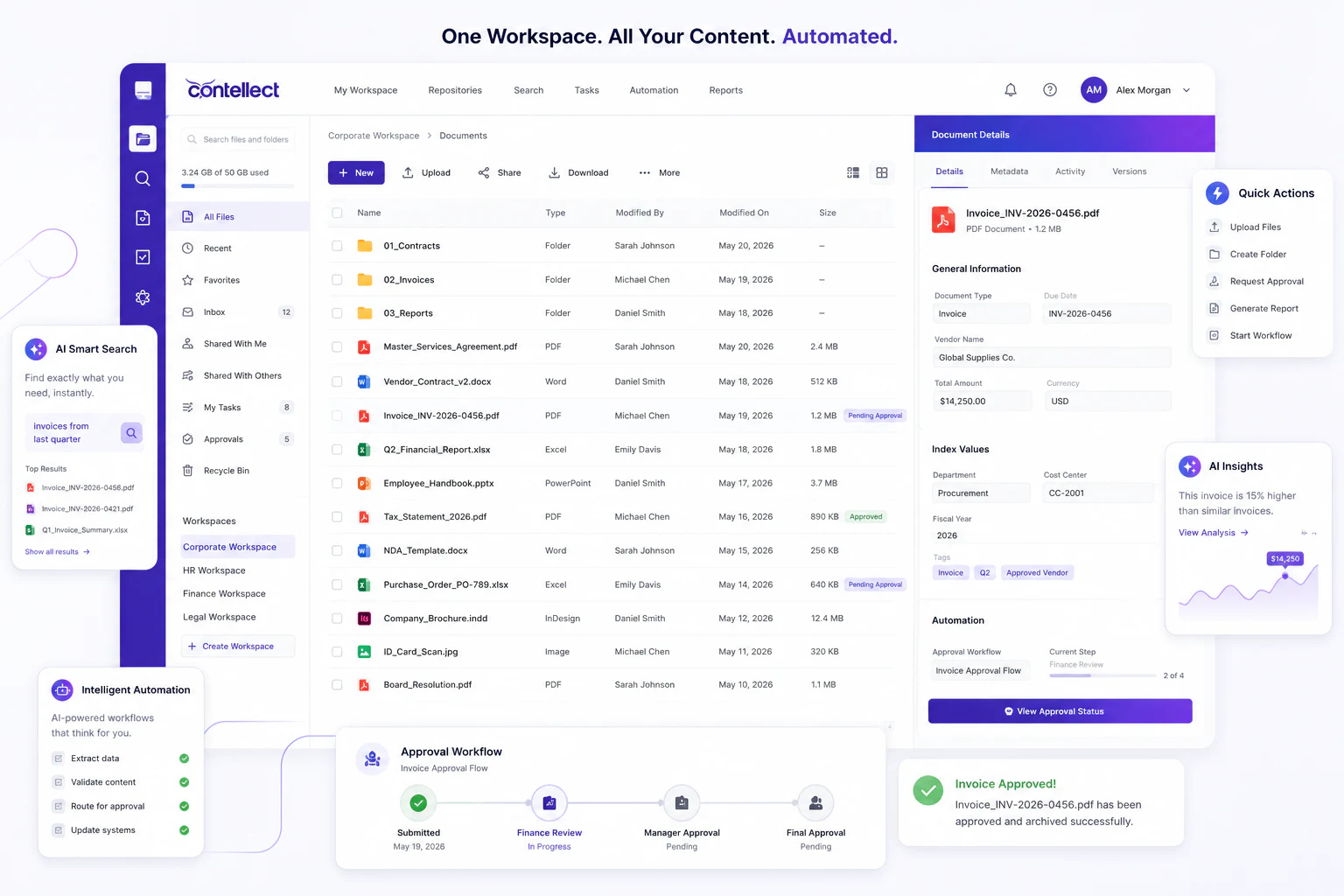
AI in Content Services: Business Cases
AI in content services is moving from pilots to operational programs.
Key Takeaways
- Identify high-value AI use cases across content services operations.
- Reduce manual review with classification, extraction, and workflow automation.
- Strengthen governance with NIST AI RMF, EU AI Act, and ISO/IEC 42001.
- Compare sector-specific business cases before choosing platforms and models.
- Prioritize measurable outcomes such as cycle time, accuracy, and compliance.
Enterprise teams now leverage AI to classify documents, extract data, route work, and enable secure knowledge retrieval. Leaders require concrete business cases rather than speculative claims. This guide identifies where AI in content services generates value, which sectors gain most, and implementation approaches with appropriate controls.
What AI in Content Services Means
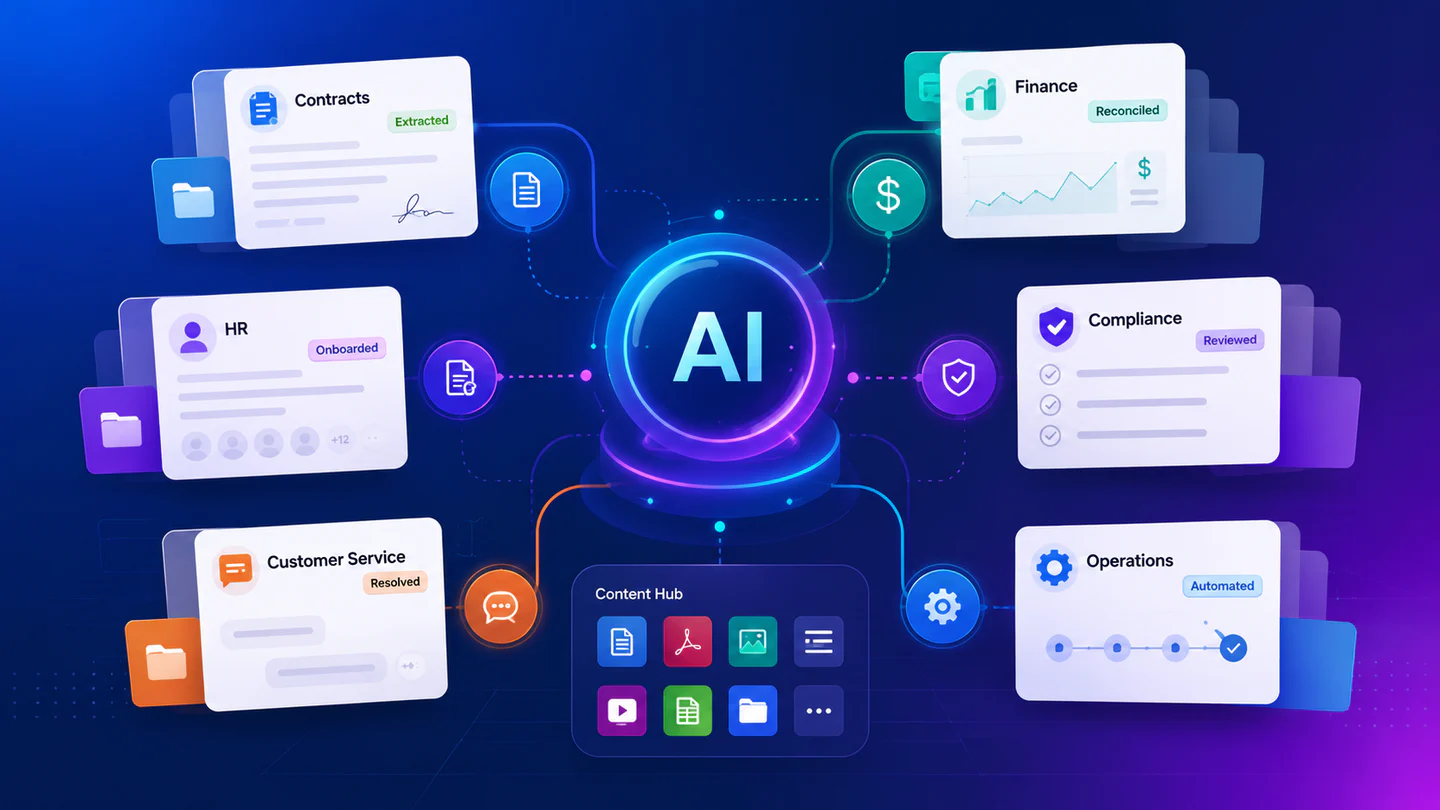
AI in content services integrates intelligent document processing, retrieval, workflow automation, and language models to manage enterprise content at scale. It transforms unstructured content into usable data, supports faster decisions, and enriches employee and customer experiences.
Most implementations layer several capabilities: optical character recognition, document classification, entity extraction, vector search, and policy-based orchestration. Organizations often deploy through platforms such as Microsoft Azure AI Foundry, AWS Bedrock, Google Vertex AI, and Snowflake.
Why Enterprises Are Investing Now
Content volumes continually increase across all functions. Employees demand faster access to trusted information. Regulators require stronger controls over automated decisions, retention, and data handling. Leading teams seek model flexibility, combining frontier reasoning models, multimodal vision-language models, and open-weight models with enterprise guardrails. Model gateways, human review, and retrieval controls reduce hallucinations and leakage.
Top Business Cases for AI in Content Services
1. Accounts Payable and Finance Operations
Finance teams use AI to capture invoice fields, validate line items, detect duplicates, and route exceptions-shortening cycle times and reducing manual keying while improving audit readiness.
- Invoice data extraction
- Purchase order matching
- Exception routing
- Supplier onboarding document checks
2. Contract Lifecycle Support
Legal and procurement teams classify agreements, extract clauses, compare terms, and flag renewal risks. Pairing extraction with workflow rules and human review accelerates review while maintaining control.
- Clause extraction and comparison
- Renewal and expiry alerts
- Obligation tracking
- Third-party paper triage
3. Customer Service Knowledge Retrieval
Service teams use secure retrieval-augmented generation to answer questions from policies, manuals, and case histories. Agents spend less time searching; customers receive faster, consistent responses with cited sources.
- Policy and procedure search
- Case summarization
- Response drafting with citations
- Knowledge gap detection
4. Claims and Case Management
Insurers, public sector bodies, and healthcare administrators process large document packs. AI classifies submissions, extracts key facts, and identifies missing evidence.
- Claims intake automation
- Evidence completeness checks
- Medical or incident document triage
- Case file summarization
5. HR and Employee Operations
HR teams manage onboarding packs, policy acknowledgments, and employee file retrieval. Automated classification and metadata tagging improve search, retention, and compliance.
- Onboarding document processing
- Policy search and Q&A
- Employee file classification
- Records retention support
AI in Content Services by Sector
| Sector | Typical Content | High-Value Use Case | Primary KPI |
|---|---|---|---|
| Banking and Financial Services | KYC files, loan packs, statements | Document intake and risk review | Faster onboarding |
| Insurance | Claims forms, photos, correspondence | Claims triage and extraction | Lower handling time |
| Healthcare | Referrals, prior auths, clinical documents | Intake automation and routing | Reduced admin burden |
| Legal | Contracts, pleadings, matter files | Clause analysis and search | Shorter review cycles |
| Manufacturing | Quality records, manuals, supplier docs | Knowledge retrieval and compliance | Fewer process delays |
| Public Sector | Applications, case files, notices | Case management support | Improved service delivery |
How to Prioritize the Right Use Cases
- Map high-volume content flows across finance, legal, operations, and service teams.
- Measure baseline effort, error rates, turnaround time, and compliance risk.
- Select one use case with clear inputs, outputs, and ownership.
- Choose models and platforms that fit security, latency, and cost needs.
- Apply governance controls for access, logging, evaluation, and human review.
- Integrate with core systems such as ERP, CRM, ECM, and case management.
- Track business outcomes and expand only after proving value.
Most successful programs begin with a narrow workflow before scaling.
Governance, Risk, and Compliance Requirements
Strong governance matters because content often contains personal, financial, legal, or health data. Teams should align controls to the EU AI Act, especially risk classification under Article 6 where relevant. Organizations should review automated decisioning against GDPR Article 22.
Operational governance should map to ISO/IEC 42001:2023, ISO/IEC 27001, and existing SOC 2 controls. Security teams can use MITRE ATLAS to address adversarial threats and misuse patterns.
Minimum Control Checklist
- Define approved use cases and prohibited data types.
- Log prompts, outputs, sources, and user actions.
- Test extraction accuracy and answer quality on real documents.
- Apply role-based access and repository-level permissions.
- Keep humans in the loop for high-impact decisions.
- Review retention, deletion, and data residency requirements.
- Scan for prompt injection and insecure output handling.
- Document model, dataset, and workflow changes.
Common Mistakes to Avoid
Many teams begin with a chatbot expecting value to materialize-this often fails due to messy content, weak permissions, and vague metrics. AI works best when workflows, repositories, and business ownership are clear initially.
Another pitfall involves selecting a model before defining the task. Extraction, summarization, and retrieval each require different evaluation methods. Some tasks perform better with smaller models, rules, or traditional machine learning. Hybrid architectures typically outperform model-only approaches.
What Good Looks Like
Strong programs deliver faster processing, improved search, and reduced operational risk. Teams gain traceability across source documents, extracted fields, generated answers, and user actions. Leaders demonstrate both productivity gains and governance maturity.
Best-practice teams standardize document ingestion, metadata, evaluation, and integration patterns while maintaining model agnosticism across vendor ecosystems including Hugging Face, NVIDIA NIM, Azure, AWS, and Google.
From Strategy to Execution
Organizations can operationalize AI in content services through intelligent document processing, AI-powered data extraction, automated classification, and secure RAG knowledge bases. Teams build agentic AI workflows on existing repositories while preserving model flexibility and enterprise-ready integrations.