Back-Office Teams
Convert high-volume paper forms, invoices, applications, and correspondence into digital work queues.
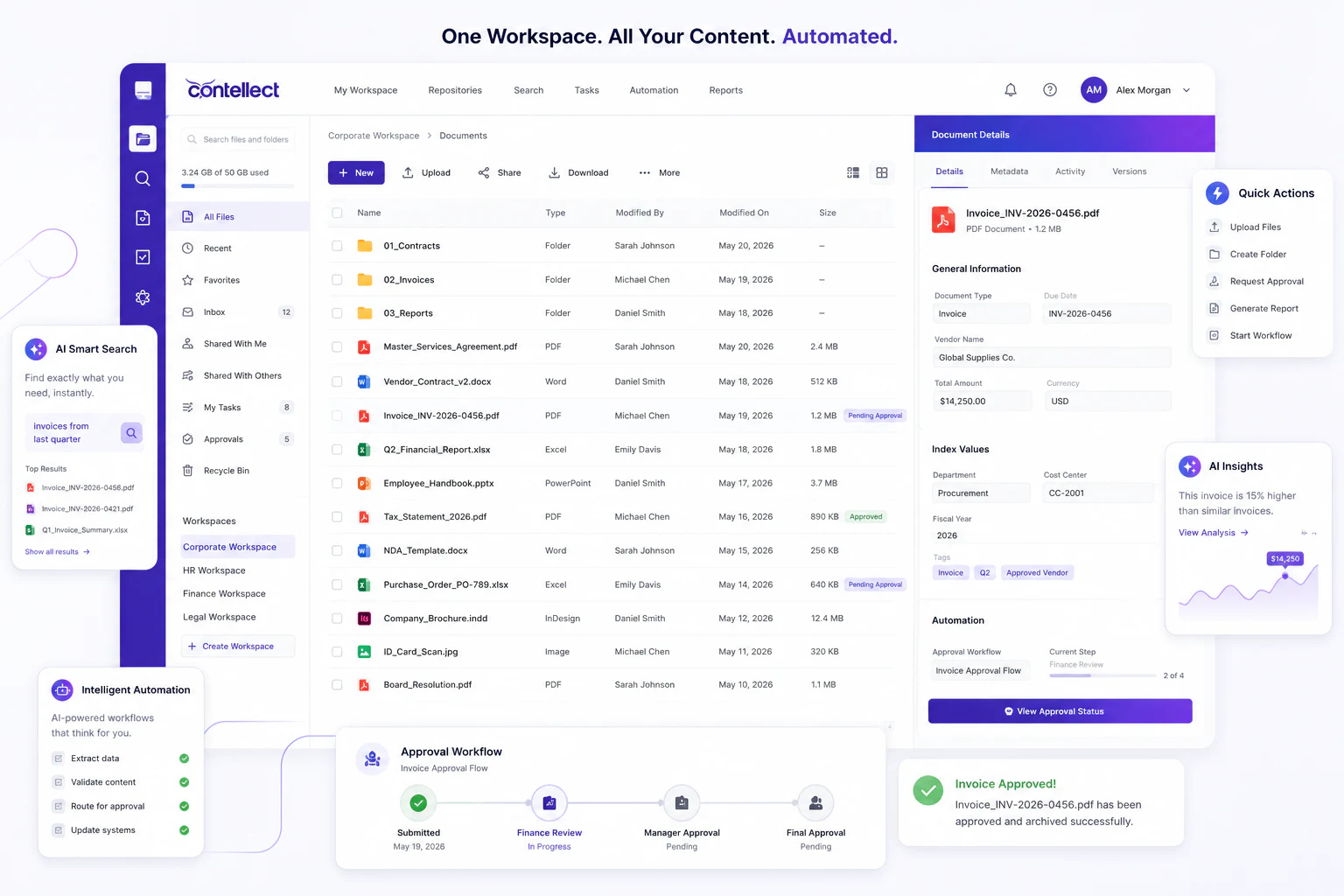
Convert paper, PDFs, and legacy records into searchable digital documents with OCR, AI classification, metadata extraction, and governed workflows.
Document digitization converts paper, PDFs, images, and legacy records into searchable, structured digital content. Contellect One adds OCR, AI classification, metadata capture, validation, and workflow routing so digitized records become usable business information rather than static scanned files.
Digitization works best when scanning, indexing, quality checks, and downstream workflows are designed together.
Convert high-volume paper forms, invoices, applications, and correspondence into digital work queues.
Preserve historical files with metadata, retention context, and searchable indexes.
Upload documents from branches, sites, or mobile teams without waiting for courier movement.
Standardize capture quality, security, chain of custody, and integration into core systems.
Scan physical documents, read text with OCR, classify each file, extract the right fields, and send exceptions for review.
Digitize boxes, branch files, onboarding packs, claims, and archived records at scale.
Remove paper bottlenecksConvert scanned images into text-searchable documents with indexing and quality checks.
Improve discoverabilityPull structured data from forms, invoices, IDs, and supporting documents automatically.
Reduce rekeyingFlag unclear fields, low-confidence reads, and missing pages for controlled validation.
Protect data qualitySend digitized files to approvals, customer files, supplier files, cases, or archives.
Speed up processingStore digitized records with audit trails, retention rules, and access controls.
Lower storage riskA successful digitization program standardizes capture, extraction, validation, storage, and business routing.
Sort document types, remove duplicates, identify sensitive content, and define capture rules.
Scan or import documents, convert images into text, and create digital master files.
Identify document types and pull key fields into structured metadata.
Review exceptions, approve records, and connect files to workflows or archives.
Teams stop passing paper between desks, branches, and storage rooms.
Authorized users can retrieve digitized records from anywhere with permissions enforced.
Clean digital records can feed workflows, analytics, and AI-powered extraction.